Channels, ready to go
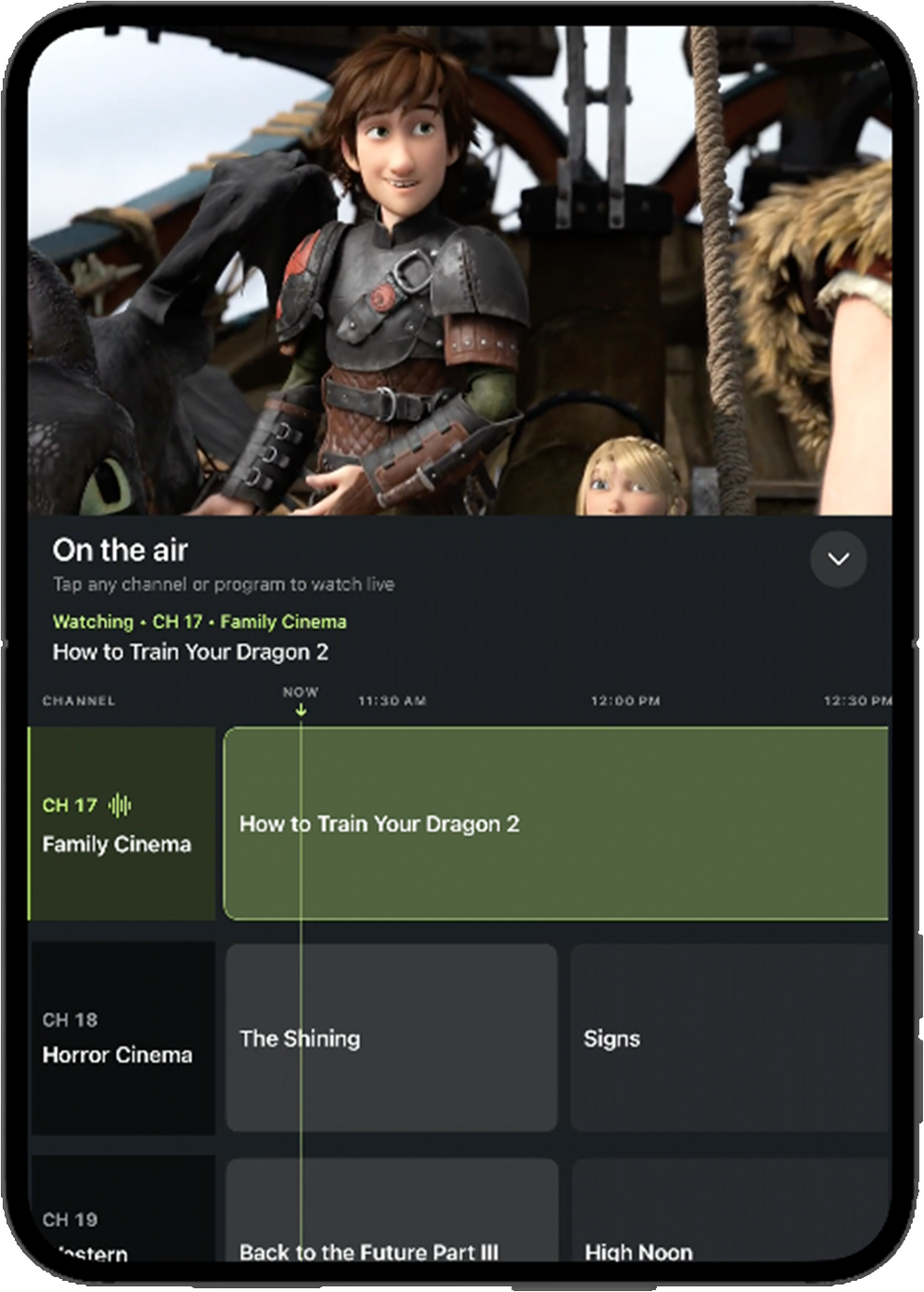
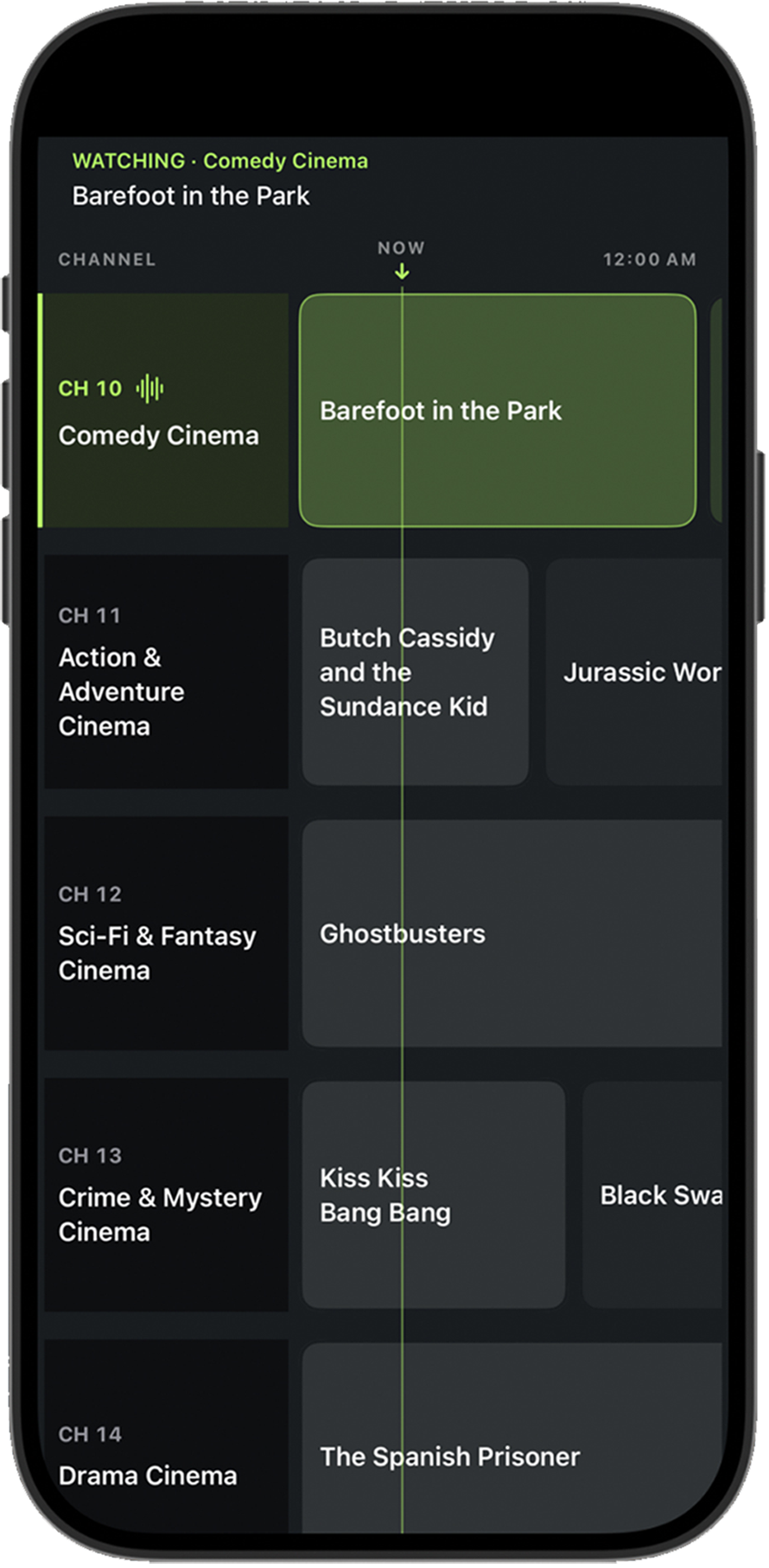
AirGuide automatically turns your personal library into linear channels and builds a program guide for you.
YOUR PERSONAL TV NETWORK
Turn the movies and shows you already own into always-on TV channels. See what’s playing, peek at what’s next, and just tune in.
Native layouts for iPhone, iPhone Duo & iPad
Works with your media server
THE LINEAR TV EXPERIENCE
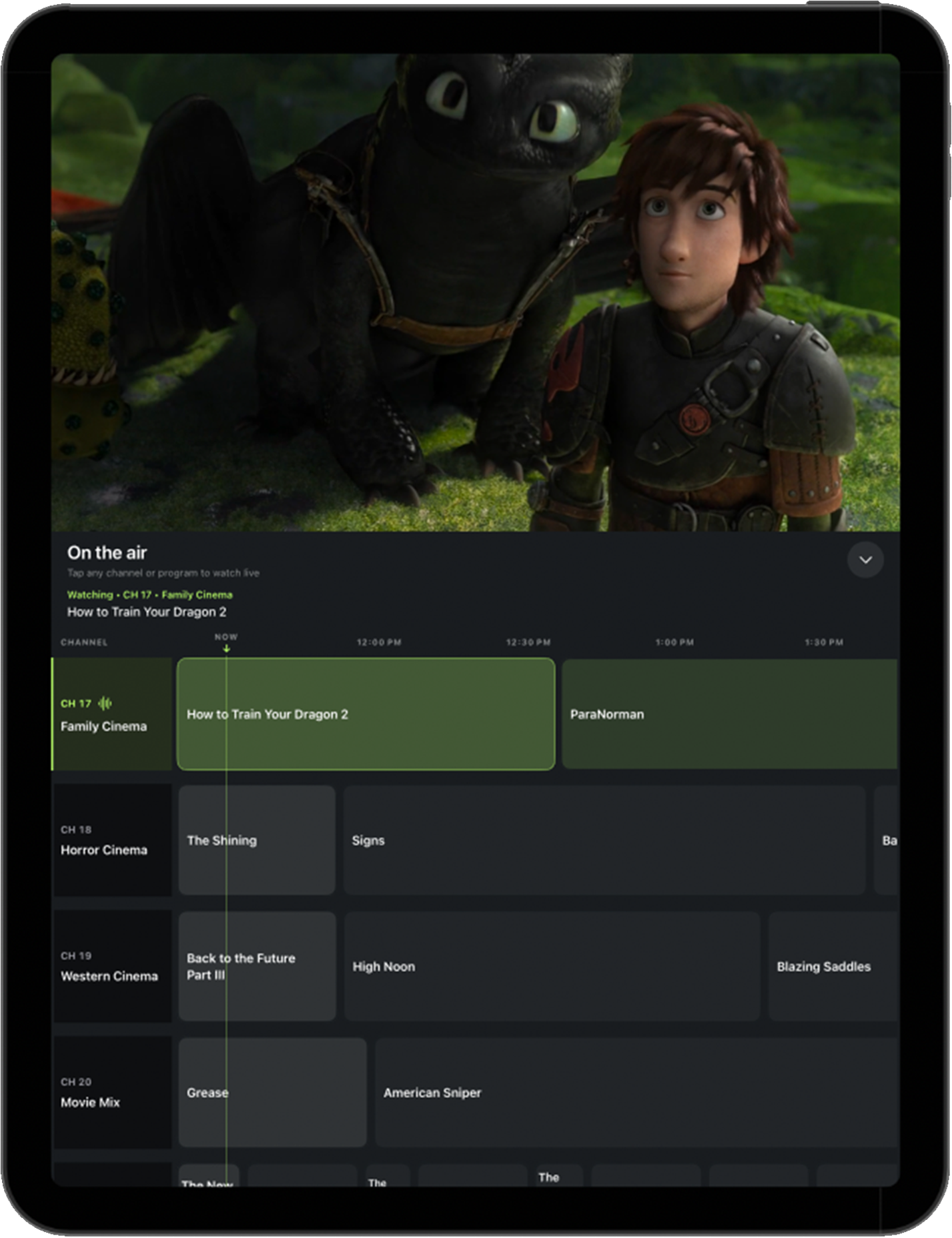
Drop into a channel and rediscover the pleasure of seeing what’s on. A simple guide takes you straight to what’s playing.
AirGuide automatically turns your personal library into linear channels and builds a program guide for you.
Programming follows a persistent, real-time schedule, even when you’re away. Tune in to whatever’s on now or see what’s coming up.
Send what’s playing to a compatible TV or receiver with AirPlay or Google Cast.
CUSTOM CHANNELS
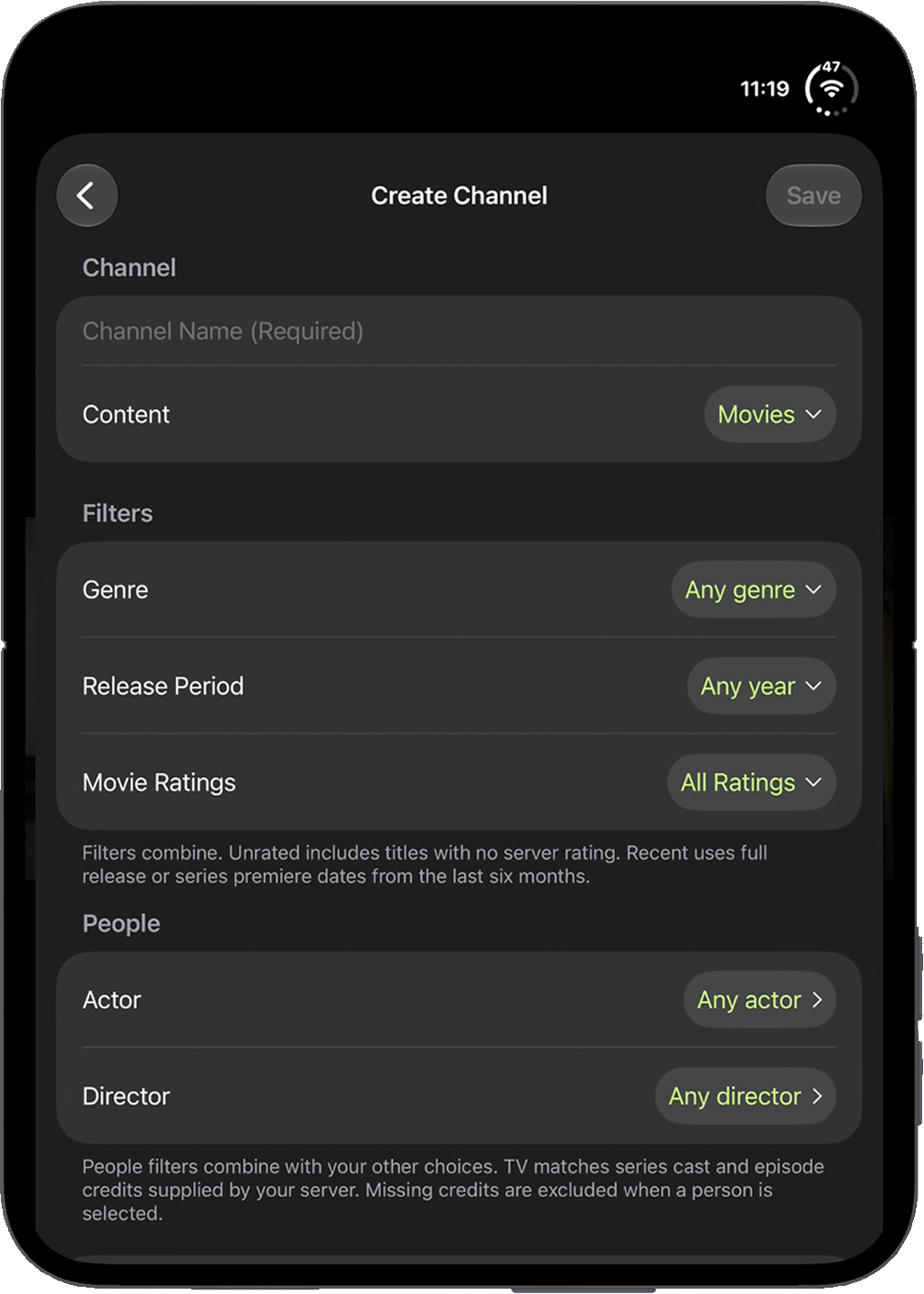
Build a lineup around a favorite genre, release period, rating, actor, or director. Combine filters to choose what goes on air.
DESIGNED FOR iOS & iPadOS
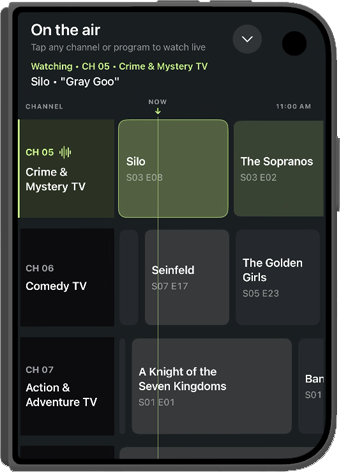
AirGuide is optimized for each device and orientation, so the guide feels intuitive however you hold it.
GETTING STARTED
Already have a media server? Connect it once and get a ready-to-watch lineup from the movies and shows you already own.
Connect the Plex, Jellyfin, or Emby server that holds your movies and shows.
Open your automatically generated guide. Add custom channels to make it your own.
Choose a channel to join it in progress. Check the guide to see what’s on later.
FAQ
Yes. AirGuide uses the movies and shows in your Plex, Jellyfin, or Emby library to create your channel lineup.
Yes. Programming follows a real-time schedule. When you come back, you can tune in to whatever is airing at that moment.
AirGuide is built for live linear viewing. There’s no pause, rewind, or DVR. Join a program in progress or look ahead in the guide.
Yes. Create custom channels and use library filters such as genre, release period, rating, or people to decide what can air.
Yes. Use AirPlay or Google Cast with a compatible TV or receiver.

AirGuide for iPhone, iPhone Duo, and iPad.
Download link pending.
© AirGuide